Maintain an input form
You can use an input form to make sure that a visitor fills in a form before he/she can access this page.
To maintain an input form on a page:
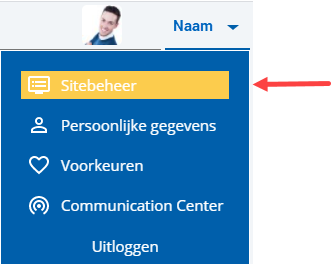
 Log on and start Site management.
- Open the page whose properties you want to change.
- Click on: Properties.
- Click on: Edit (in the Page frame).
- Select the input form that the visitor has to complete.
- Click on: Save.
You can also immediately publish the changes.
|
Directly to |