Maintain keywords
Keywords (usually) have a positive effect on the discoverability of a page in search engines.
To maintain keywords:
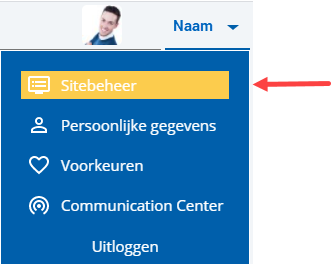
 Log on and start Site management.
- Open the page whose properties you want to change.
- Click on: Properties.
- Click on: Edit (in the Page frame).
- Enter the keywords.
The keywords must be separated by a comma and a space.
- Click on: Save.
You can also immediately 'publish' the changes.
|
Directly to |