Maintain features
One reason for using features is so that you can make a selection when recording dossier items or starting a workflow. You add features in Profit.
To maintain features:
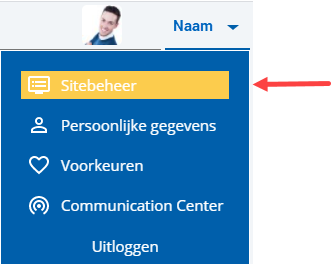
 Log on and start Site management.
- Open the page whose properties you want to change.
- Click on: Properties.
- Click on: Edit (in the Page frame).
- Select the '(Sub)category' or the 'Range'.
- Click on: Save.
You can also immediately 'publish' the changes.
|
Directly to |