Delete plug-ins
It is easy to delete a plug-in you have added.
To delete a plug-in:
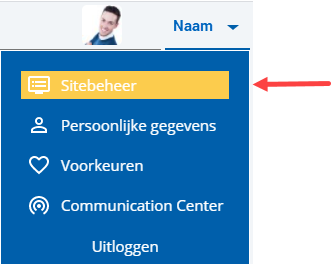
 Log on and start Site management.
- Click on: Edit (in the Page frame).
- Click on: the plug-in you want to delete.
- Press: Delete.
- Click on Yes in the message.
- Click on: Publish.
|
Directly to
|