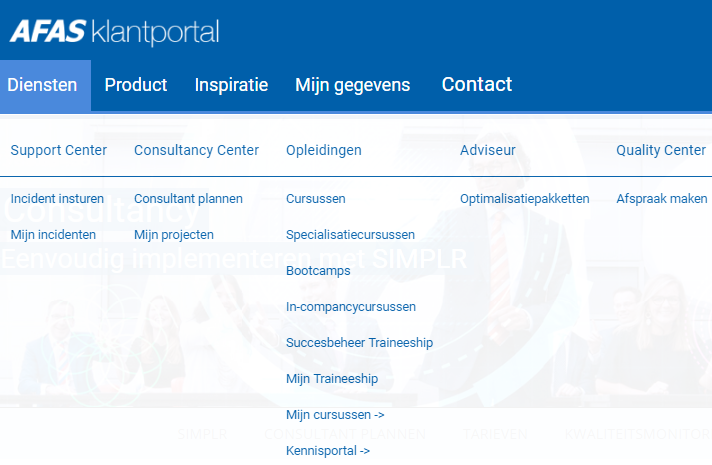
View projects in the Customer portal

You can view the following documents in the AFAS Customer Portal::

  • Project plan
  • Checklist
  • Configuration plan
  • Visit reports
  • Project planning
  • Project progress
  • Test plan
  • Completion document

View projects:

  1. Click on: Consultancy.

    Str_Klantportal menu consultancy

  2. Click on: Projects.
  3. Select the project.
  4. Open the document.

Directly to

  1. Consultancy
  2. View projects
  3. Request an AFAS Consultant
  4. Use the action list and list of resolutions
  5. AFAS Klantportal
  6. Log onto and out of the customer portal
  7. Personal details
  8. Customer Portal Administrator
  9. Contact persons
  10. Your Organisation
  11. Courses and events
  12. Profit Update Center
  13. AFAS Support Center