Adjust the alignment of the carousel grouping
You can modify the alignment of the images in a carousel grouping. You can display the images Left, Right and Centred.
To adjust the alignment of the carousel images:
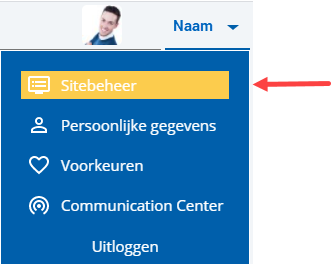
 Log on and start Site management.
- Open the page you want to modify.
- Click on: Edit (in the Page frame).
- Click on: Layout in the Display frame.
- Select the grouping.
- Go to the tab: Parts.
- Select the part.
- Go to the tab: Properties.
- Select the desired value for Horizontal alignment.
- Click on: Modify.
- Repeat this for all images.
- Close the menu.
- Click on: Publish.
- Click on Yes in the message.
|
Directly to |