Delete a photo from a gallery
You can delete photos from the gallery.
To delete a photo from a gallery:
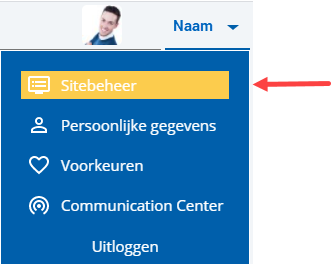
 Log on and start Site management.
- Open the page with the photo gallery you want to change.
- Click on: Edit (in the Page frame).
- Click on: Layout in the Display frame.
- Select the photo gallery.
- Click on: Properties.
- Select the image you want to delete.
- Click on: Delete.
- Repeat this procedure, if necessary, for other images.
- Click on: Modify.
- Click on: Publish.
- Click on Yes in the message.
|
Directly to |