Print a cost estimate
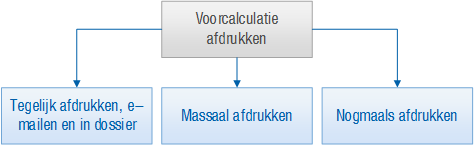
You can print your cost estimate/quotation using various actions. The difference between these actions is that you can print in bulk or one by one.
|
Content |
Description
If you print the quotations in bulk, you have the option of e-mailing them in the same run. Whether the quotation is printed or e-mailed depends on the settings in the sales contact profile and the sales contact.
You would only print a single quotation if the sales contact/debtor informs you that he did not receive the quotation.
To print a schematic cost estimate overview:
Preparation
- Configure report printing and e-mailing
You specify whether the sales contact/debtor should receive an e-mail or a quotation by post in the sales contact profile and the sales contact itself. In the sales contact, you set for each report type whether the client would like to receive it by e-mail.